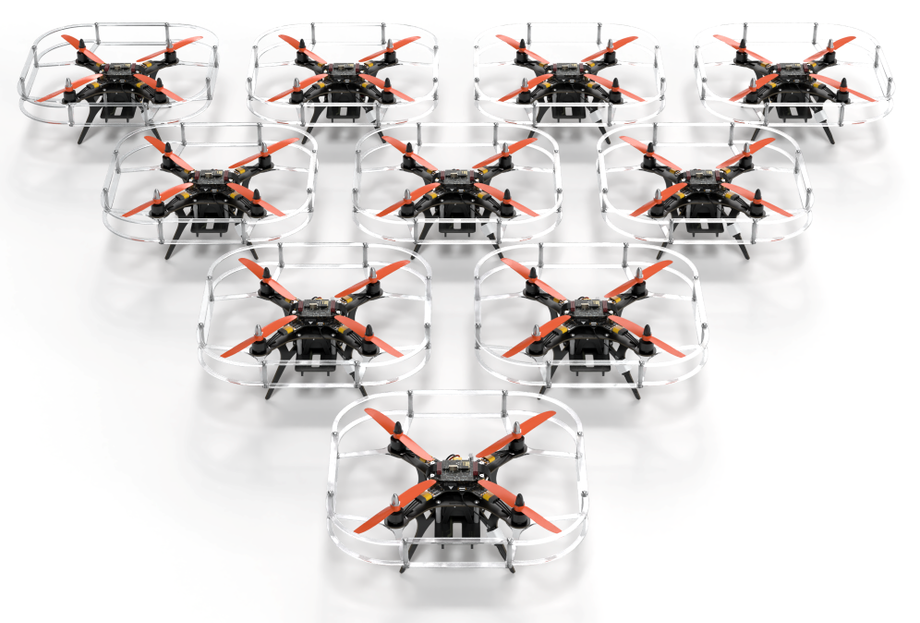
Geoscan, the developer of educational drones, has introduced an updated version of the Pioneer Station 2.0 configurator - a platform for preparing, calibrating, and analyzing flights of the Pioneer line of educational copters. The update radically simplifies interaction with the drone, making it accessible even to beginners, while also expanding tools for advanced users.
The central element of the update is the autopilot setup wizard, which sequentially guides the user through the key configuration steps. With its help, you can select the control mode, specify the type of navigation system, and set flight speed parameters. This approach ensures predictable drone behavior in the air, even for inexperienced students, and significantly reduces the time it takes to switch between educational tasks. The risk of errors during manual configuration is minimized.
Pioneer Station 2.0 now automatically detects the compatible firmware version and prompts the user to perform the update directly in the interface. All stages - from downloading to installation - take place in one window. In case of errors, the system displays clear explanations in Russian, not technical codes. This is especially important in an educational environment, where users do not always have deep IT skills.
Getting started with the program has become easier: built-in tips and step-by-step instructions help you master the basic functions without additional training. And automatic updating of the station itself eliminates the need for teachers and technicians to manually track software versions. All this speeds up the preparation of equipment for classes and reduces the administrative burden.
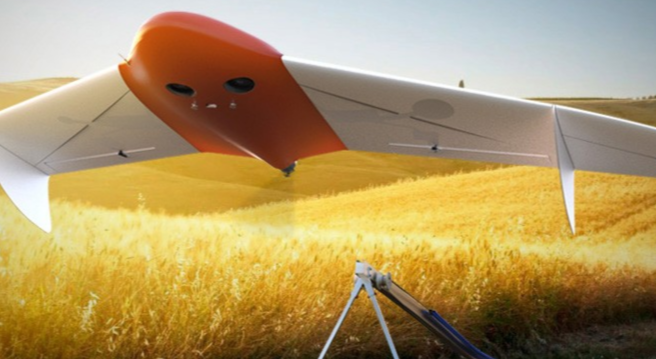
For advanced users, Pioneer Station 2.0 adds advanced flight data analysis tools. Now you can:
- view missions as a "black box";
- build graphs for key autopilot parameters;
- compare drone behavior at different stages of flight;
- export logs for further study.
These features are especially useful when conducting scientific experiments, debugging algorithms, or preparing for robotics competitions.
From initial power-on and firmware flashing to fine calibration and post-flight analysis, all work with the drone is now concentrated in a single environment. This eliminates the need to switch between different programs and lowers the barrier to entry for educational institutions that are introducing drone technologies into the educational process.
Read more:
Now on home

Start of deliveries scheduled for 2027

Over 51,000 new motorcycles were sold in Russia in 2025

The car will take at least a year to assemble

The application's audience has reached 20 million users
The model will be included in the list of cars for taxis, price - from 2.25 million rubles
All parking lots of the "Administrator of the Moscow Parking Space" are connected to the service

The cars will be supplied to the Moscow Transport Service Directorate
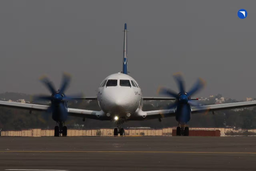
Deliveries to India may begin in 2028
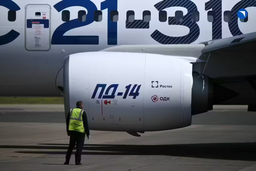
The technology provides automated search for all types of defects in power units
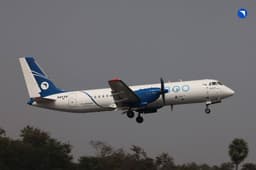
The plane flew 500 km, accelerating to 425 km/h

The plant stated that the information about the termination of purchases for models 6 and 8 is not true
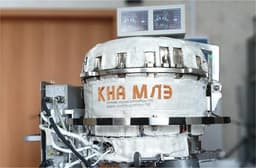
Scientists are using the "Ekran-M" installation
Articles
-
Russian An-124 "Ruslan" Stuck in Canada for 4 Years and Accrues Millions in Fines
26 Jan 2026
-
Coaxial Propellers: How Counter-Rotation Increases Turboprop Engine Efficiency
25 Jan 2026
-
Kazan Aviation Plant Breaks Old System: Tu-214 to be Assembled Like Cars
25 Jan 2026
-
How Engineers and Technicians Are Paid Today in the Russian Aviation Industry: An Overview with Figures
24 Jan 2026