Translated with AI from the Russian original.
Freezes, slowdowns, and spontaneous reboots after installing new applications may indicate a smartphone infection, the Russian Ministry of Internal Affairs warned. Unknown windows on the screen should also be a cause for concern.
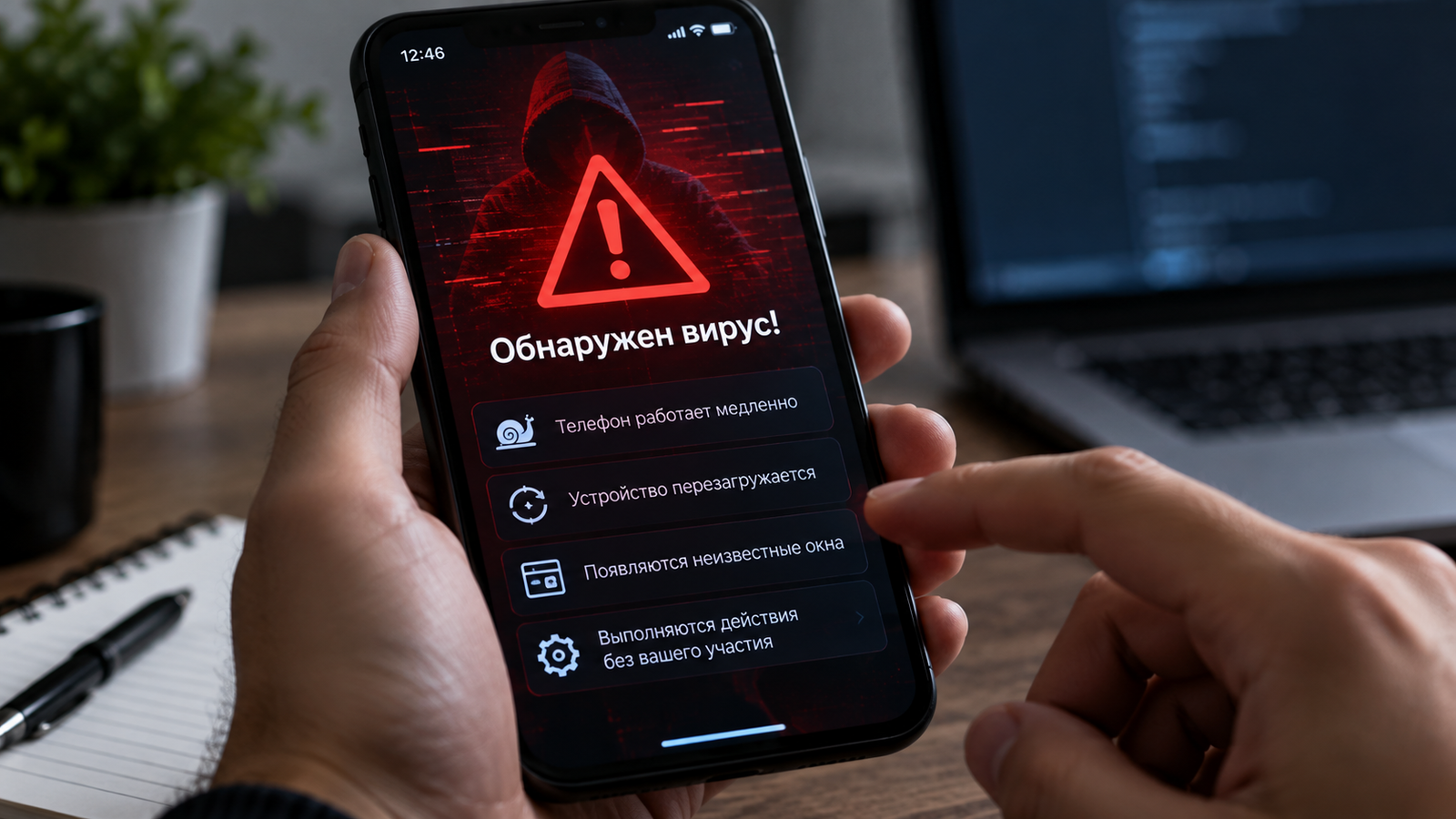
The phone may discharge faster and heat up, even when the owner is not using it. Reasons to be alarmed include unfamiliar applications that the user did not install, and unknown entries in message and call history. A regular program unexpectedly requests access to SMS, calls, or location, even though it does not need them to function. Actions that the device performs without the owner's consent are also considered alarming signals by the Ministry of Internal Affairs.
Malicious software gives attackers access to personal data and information related to mobile banking. If an infection is suspected, the Ministry of Internal Affairs advises against entering card details and passwords from such a device, and to disconnect the phone from the internet – for example, by enabling airplane mode. It is better to contact the bank from another device, and to get the support number from the official website or the back of the card, rather than looking for it in applications on a suspicious smartphone.
The Ministry of Internal Affairs recommends checking installed programs and the permissions granted to them: an APK file sent by strangers under the guise of an update or utility program should be treated with particular caution.
Read more on the topic:
Never miss our newsAdd this site to your preferred sources to see us more oftenAdd on Google