Translated with AI from the Russian original.
Sber has introduced a new tool that allows you to install the bank's applications on iPhone and iPad without using the App Store. The bank has released a detailed instruction.
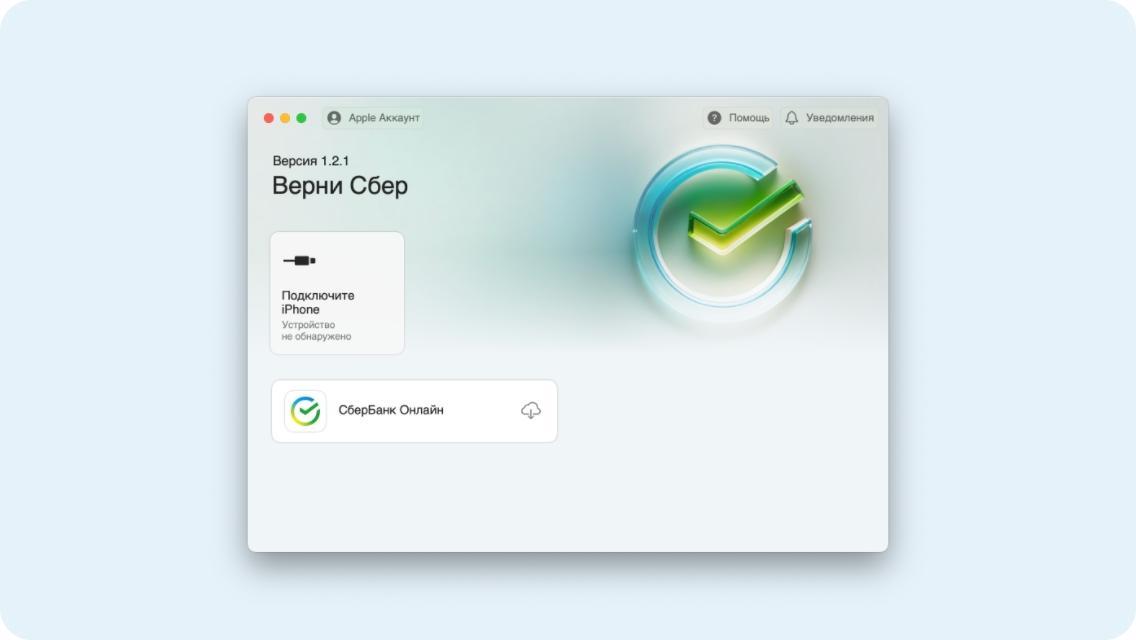
A Sber client will need a computer with Windows 10 or macOS 13 and newer. You need to download the official application "Return Sber to iPhone" from the official website of the bank.
After installing it on your computer, you need to install iTunes. Then connect your iPhone to your computer using a USB cable. In the "Return Sber to iPhone" application, select "Apple Account" and enter your Apple ID. After that, the user will be presented with a list of available applications for installation.
You need to select the necessary application and wait for the installation to complete. After that, the application will appear on the iPhone.
Read also on the topic:
Sber has updated the web version of Sberbank Online
Sber and the Ministry of Internal Affairs will jointly fight deepfakes
Sber will start cooperation with companies from China
Never miss our newsAdd this site to your preferred sources to see us more oftenAdd on Google