iPhone users have encountered an inability to install applications removed from the App Store using iMazing and similar tools. Apple has changed its server logic, causing requests to download IPA files to result in an HTTP 403 error, users report on the 4PDA forum and specialized resources.
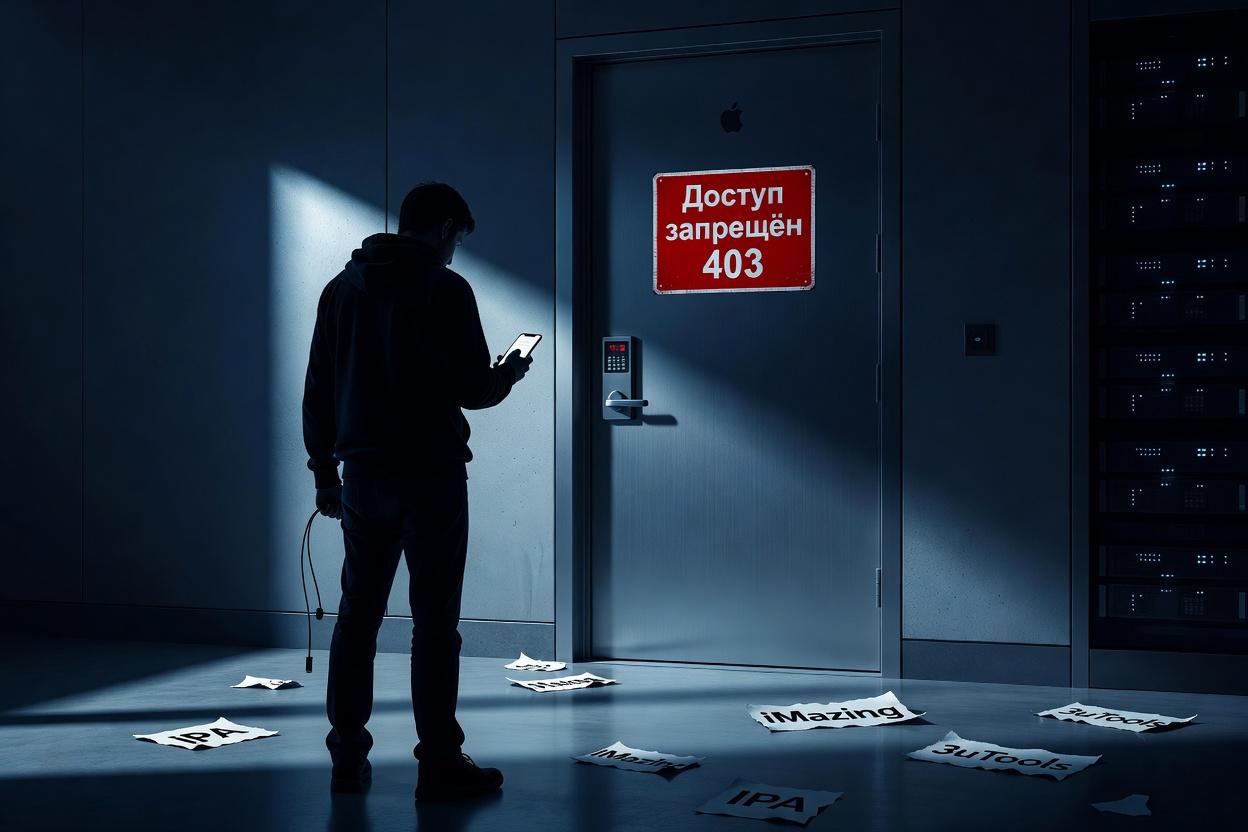
The first complaints appeared on August 20. The problem affected iMazing, 3uTools, ipa_downloader, and other utilities. When attempting to download a program, the buy.itunes.apple.com server responds with a 403 code – access denied. Apple has deactivated archived authorization tokens and revoked certificates, so even saved IPA files cannot be transferred to new devices without a valid digital certificate.
Already installed banking and other applications continue to work, but it is not recommended to delete them or enable auto-updates. It is no longer possible to transfer programs to a new iPhone in the old way. Some users manage to restore access through pre-saved IPA files, as in the case of the Max messenger. For other services, users have to use web versions or workaround methods, such as the "Verni Sber" application to restore the official client.
Previously, third-party utilities allowed users to restore VK, Max, and banking applications removed from the Russian App Store. Now, Apple has effectively blocked this channel, leaving users with two working options: store IPA files in advance or switch to web versions. iMazing developers confirmed that Apple made changes to the servers and promised to restore the function if possible.
Read more on the topic:
Never miss our newsAdd this site to your preferred sources to see us more oftenAdd on Google