Yandex released an April update for smart devices — the changes affected Station 3, TV Stations, and the TV lineup. Users received more settings, improved sound, and expanded entertainment scenarios.

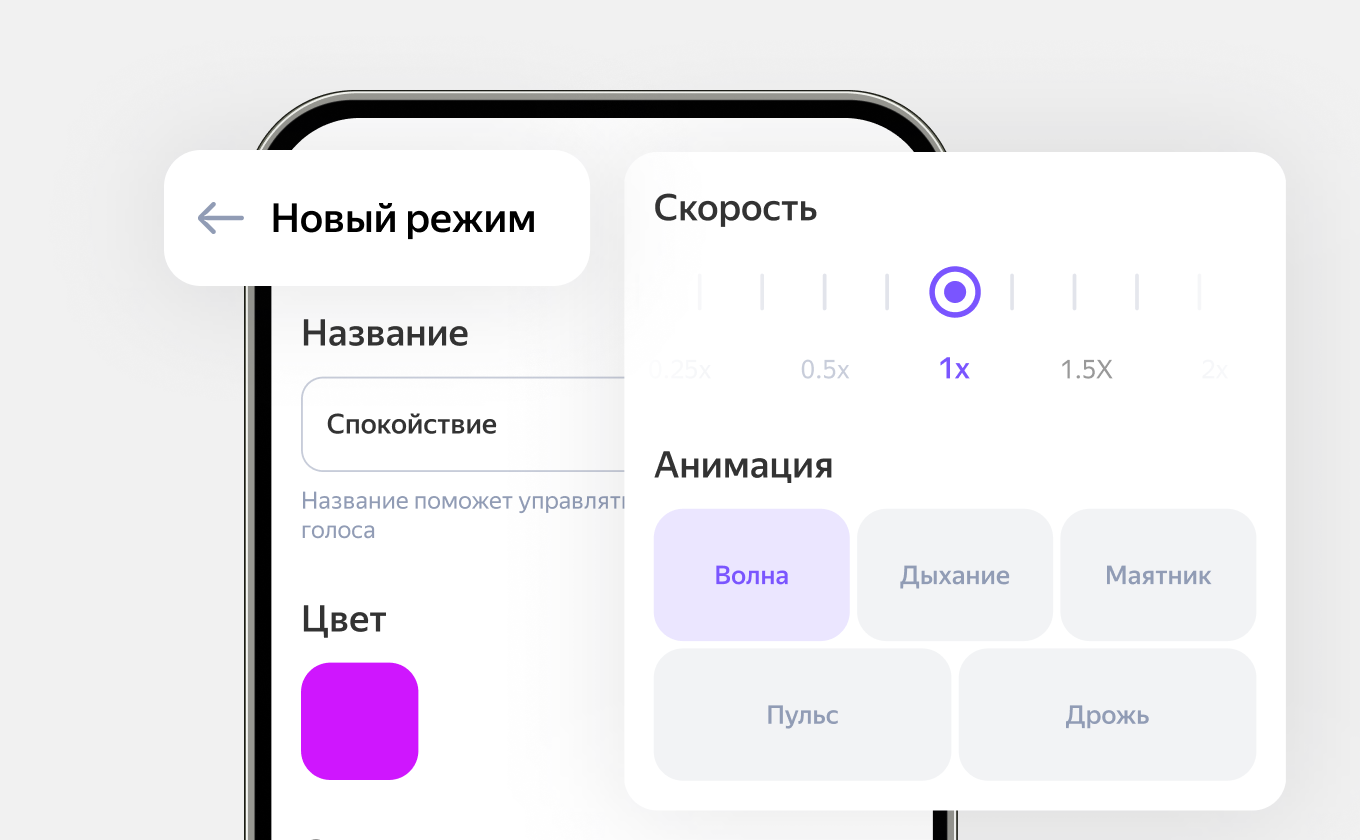
Station 3 received extended backlight settings. In "Light Music" mode, new animations appeared that automatically change and create a light show effect. In addition, you can now create your own scenarios — choose the animation type, speed, and color from 16 million shades. These modes can be used both separately and in smart home scenarios via the "Dom s Alisoy" (Home with Alisa) application.
In parallel, the speaker was made louder at the most popular levels — from 10 to 50%. The amplification is implemented programmatically, so no additional settings are required. The idea is to improve the audibility of Alisa's responses and make music more expressive in everyday scenarios.
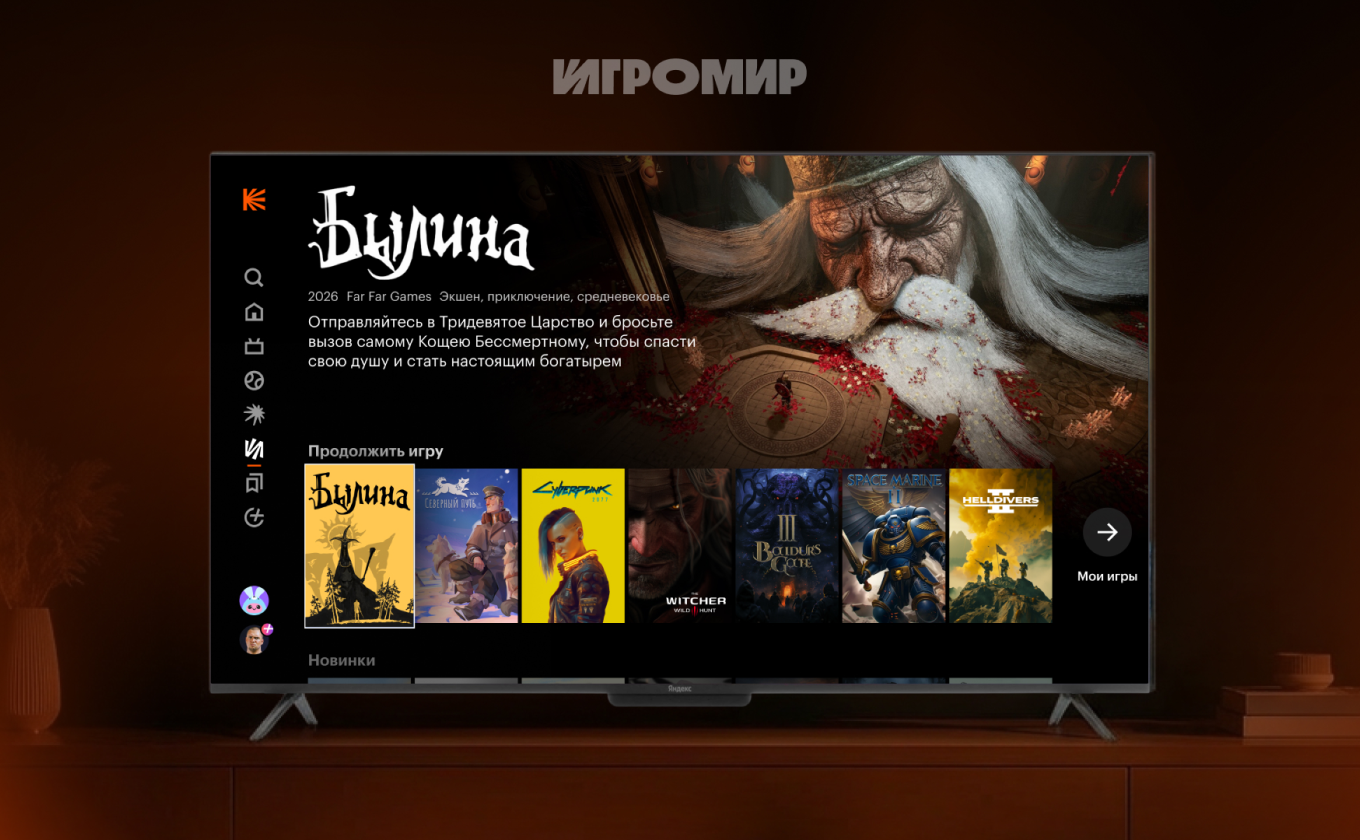
Significant changes also appeared on TV Stations. The Kinopoisk application launched the "Igrimir" (Game World) section — a cloud gaming service. Users can launch games from their Steam library and free-to-play projects by connecting a gamepad. Xbox, PlayStation controllers, and most compatible devices are supported. At launch, 60 free minutes are available.
The service's operation depends on the distance to the data center — the optimal coverage area is about 1000 kilometers in the central part of Russia, including major cities.
A new model also appeared in the device lineup — TV Station MiniLED. This is a TV with a 4K screen based on MiniLED technology, which provides a brighter and more contrasting image. Peak brightness reaches 650 nits, and the refresh rate is up to 144 Hz with automatic adaptation to content.
The device supports MEMC for smooth picture, HDR10, and Dolby Vision for improved color reproduction. The sound is handled by a system of four 30W speakers with Dolby Audio support. The TV is available in 55 and 65-inch diagonals and runs on the YaOS X platform.
Updates also affected the interface of TV Stations. The "Recent" section now displays not only movies and applications, but also videos from the internet — for example, if a user started watching a video and exited, it will appear on the main screen.
A new video player appeared with cursor-free control — with basic functions like pause, rewind, and quality selection, available from the remote or by voice. The ability to rewatch past TV broadcasts directly from the TV guide was also added, if they are available for recording.
Additionally, a function to play music over the screensaver appeared — just turn it on and ask Alisa to play a track. And the system now remembers if the user skips intro credits in TV series and automatically does so next time.
Read more on the topic:
Never miss our newsAdd this site to your preferred sources to see us more oftenAdd on Google